Notifications
FlightDeck sends notifications when managers publish new or updated assignments for you.
What you get
- Push notification — the primary channel. Delivered to every device where you've enabled notifications (phone, tablet, desktop).
- Email — a backup, with a link to open the assignment directly.
Format
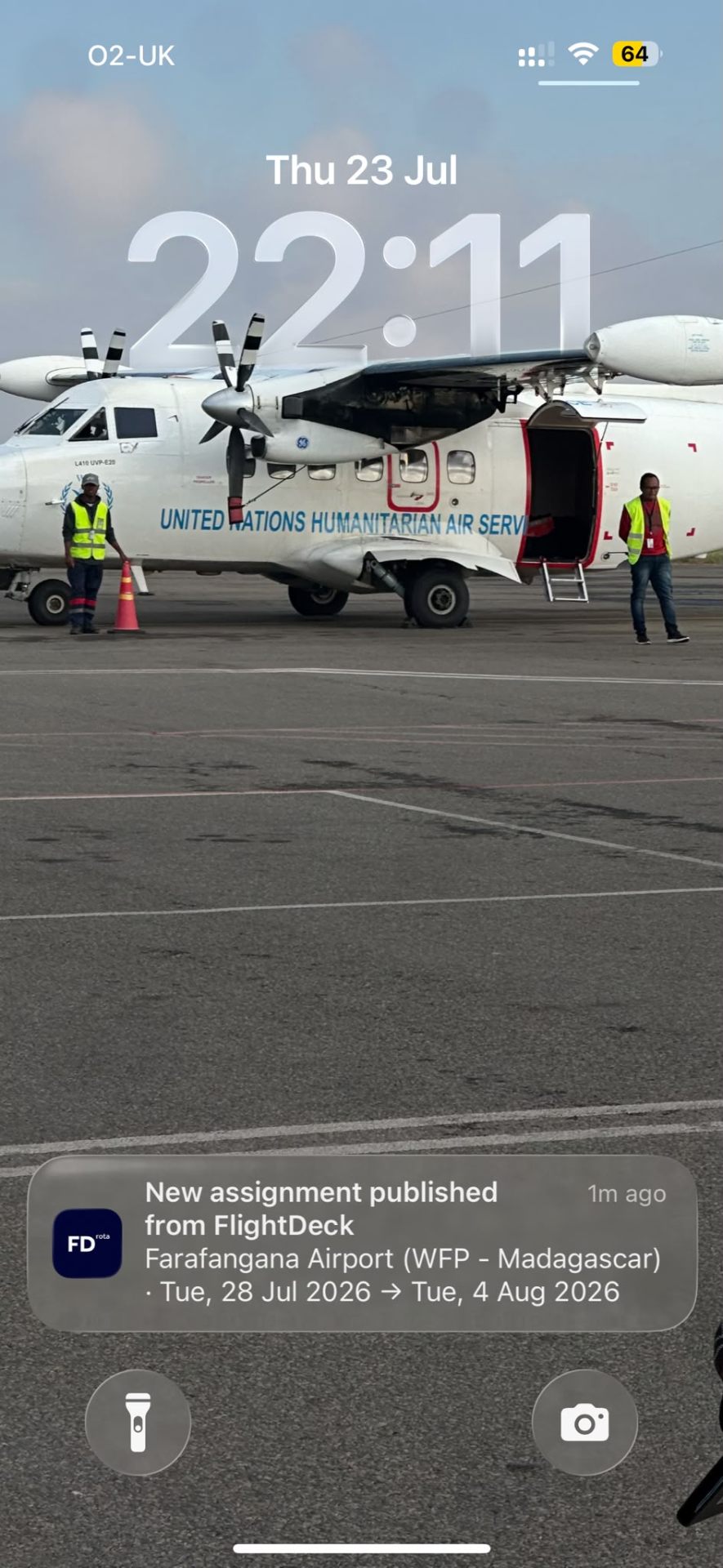
A push notification looks like this:
New assignment Farafangana Airport (WFP – Madagascar) · Tue 28 Jul → Tue 4 Aug 2026
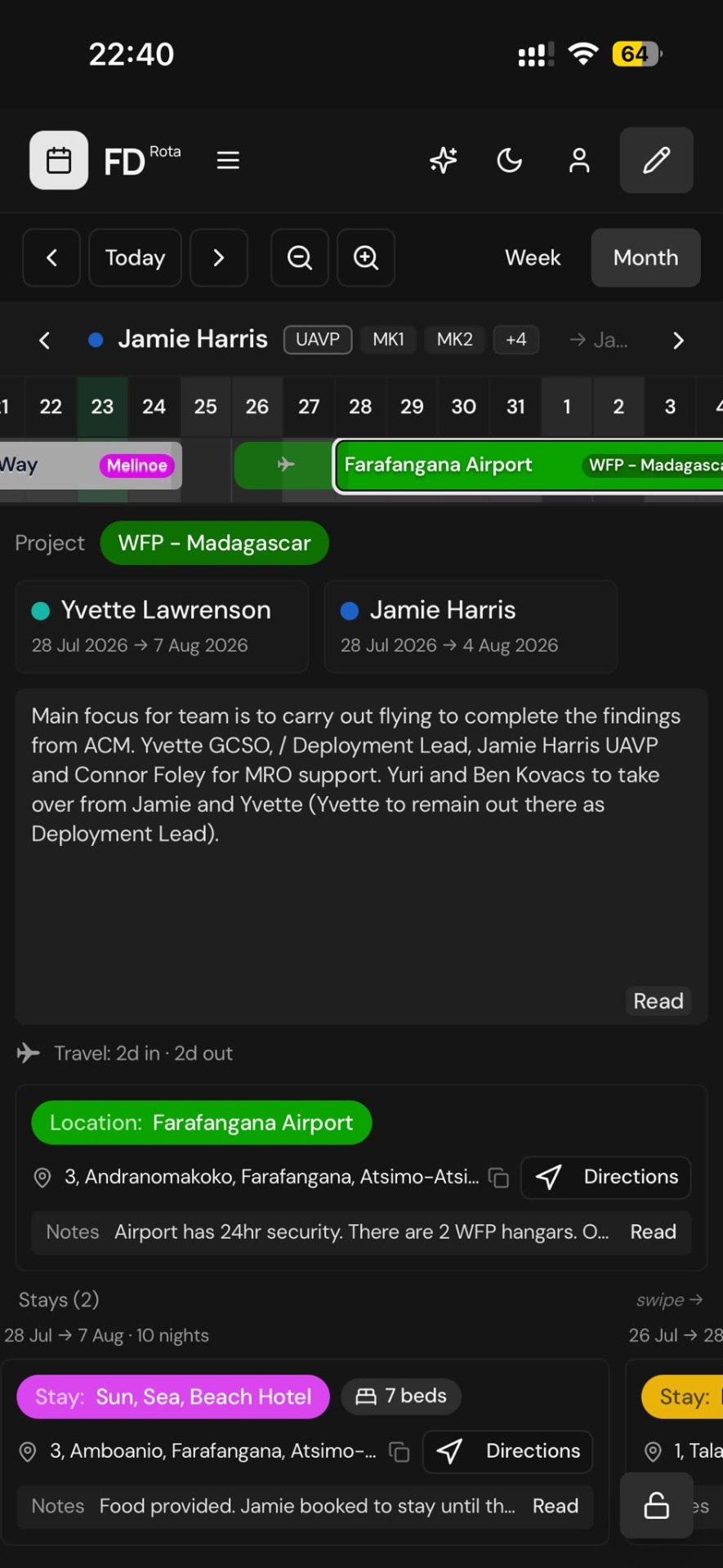
Tap it to open FlightDeck directly on that assignment, with the block scrolled into view.
Multiple assignments at once
If a manager publishes several assignments for you in one go, you'll get a single summary notification that opens on the schedule.
Managing devices
Every device you enable notifications on is registered. If you switch phones or clear browser data, just enable notifications again on the new setup — the old subscription will be cleaned up automatically over time.
If you're getting duplicate notifications, ask an admin — they can remove old device subscriptions.