Getting an account
FlightDeck Rota does not have public sign-up. Accounts are created for you by an admin on your team.
Requesting an account
Contact your team admin and provide:
- Your full name
- The email address you want to sign in with
- Your role (viewer, manager, or admin)
The admin creates the account and sends you a temporary password.
Signing in
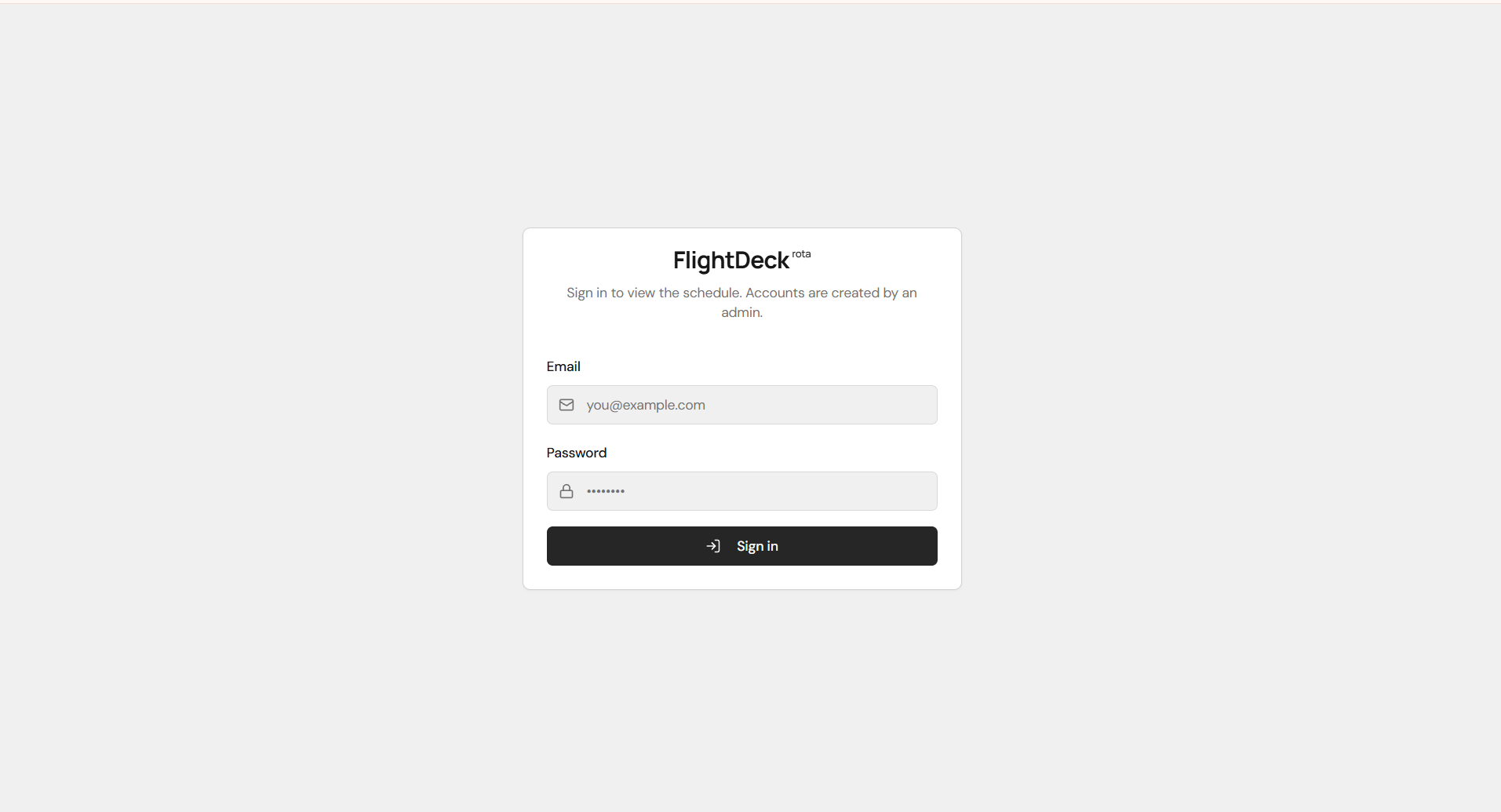
- Open https://flightdeckrota.app/auth.
- Enter your email and the temporary password.
- You'll be taken to the schedule.
If you forget your password, ask an admin to reset it for you.
What happens next
Once signed in, you'll be prompted to install the app and enable notifications before you can view the schedule. This step is required for viewers and managers so nobody misses an assignment.
Next: Install the app.