Notifications setup
FlightDeck delivers assignment notifications via push (primary) and email (backup).
How push works
- Each device registers a push subscription the first time the user enables notifications.
- Subscriptions are stored per-user and per-person, so notifications reach the right people even if a viewer signs in on multiple devices.
- Delivery uses standard Web Push (VAPID) — no third-party push provider fees, works on iOS 16.4+, Android, and desktop Chrome / Edge / Firefox.
How email works
- Sent via the transactional email pipeline.
- Includes a deep link that bypasses the notification gate (
?nogate=1) so viewers can open the assignment directly without being blocked by the setup screen.
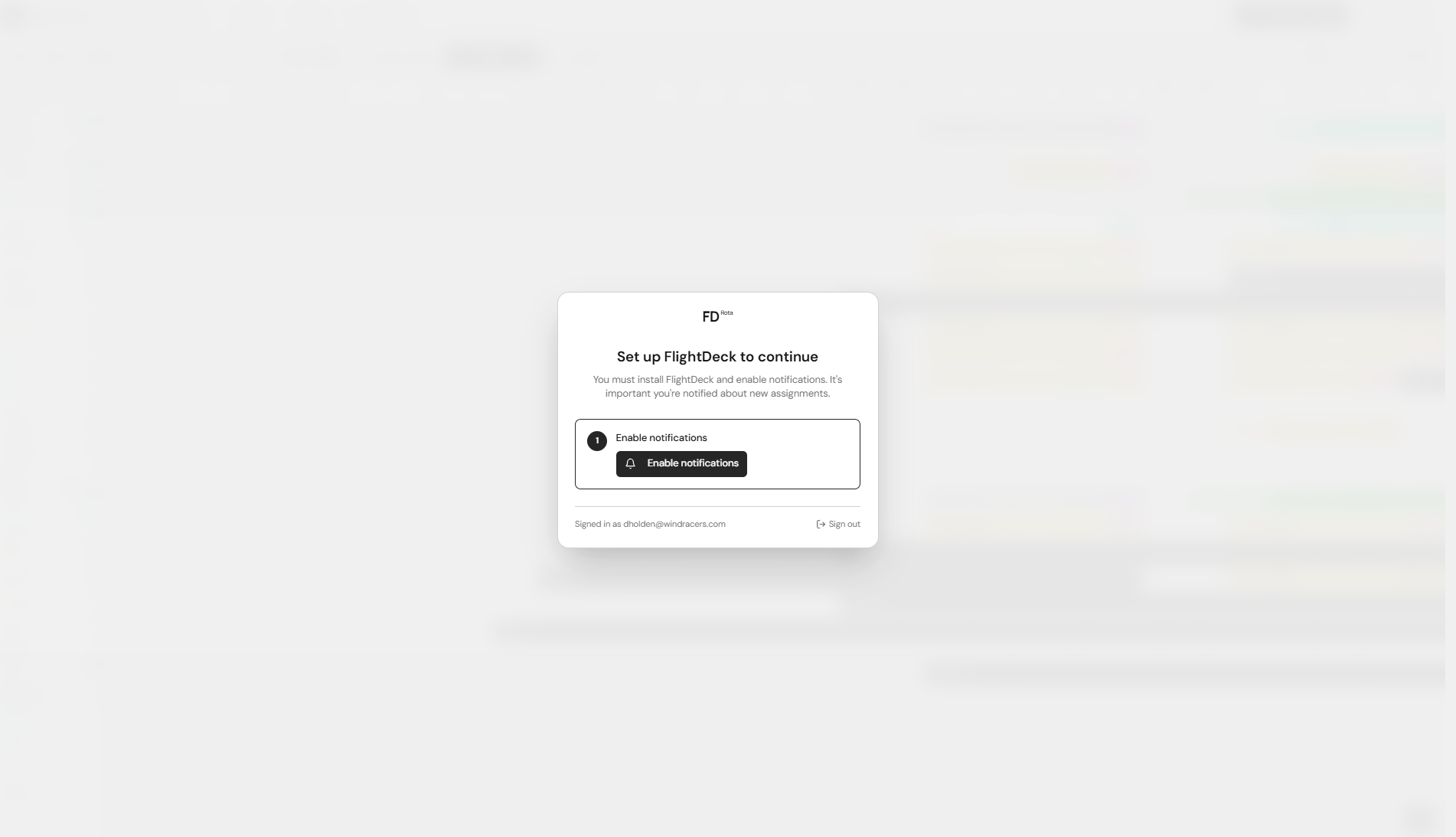
The notification gate
Non-admin users are blocked from the app until they:
- Install the PWA (mobile only).
- Enable push notifications.
Admins are exempt so they can always get in to fix things. The gate is also bypassed on /auth, /unsubscribe, and any URL with ?nogate=1.
Managing subscriptions
If a user reports duplicate notifications:
- They may have multiple stale subscriptions across old devices.
- An admin can remove old subscriptions from the database.
- New subscriptions upsert on the endpoint, so re-enabling on the same device replaces the old row.
Troubleshooting
- User says push isn't working — check they're signed in as themselves (not another account) on the device, and that the tab isn't already open (some browsers suppress notifications for the focused tab).
- iOS device not receiving — confirm the app is installed to the Home Screen. Notifications don't work in Safari tabs on iOS.
- Desktop not receiving — confirm they reloaded the tab while signed in after enabling; the subscription only registers server-side once the tab is open under the correct account.