Welcome to FlightDeck Rota
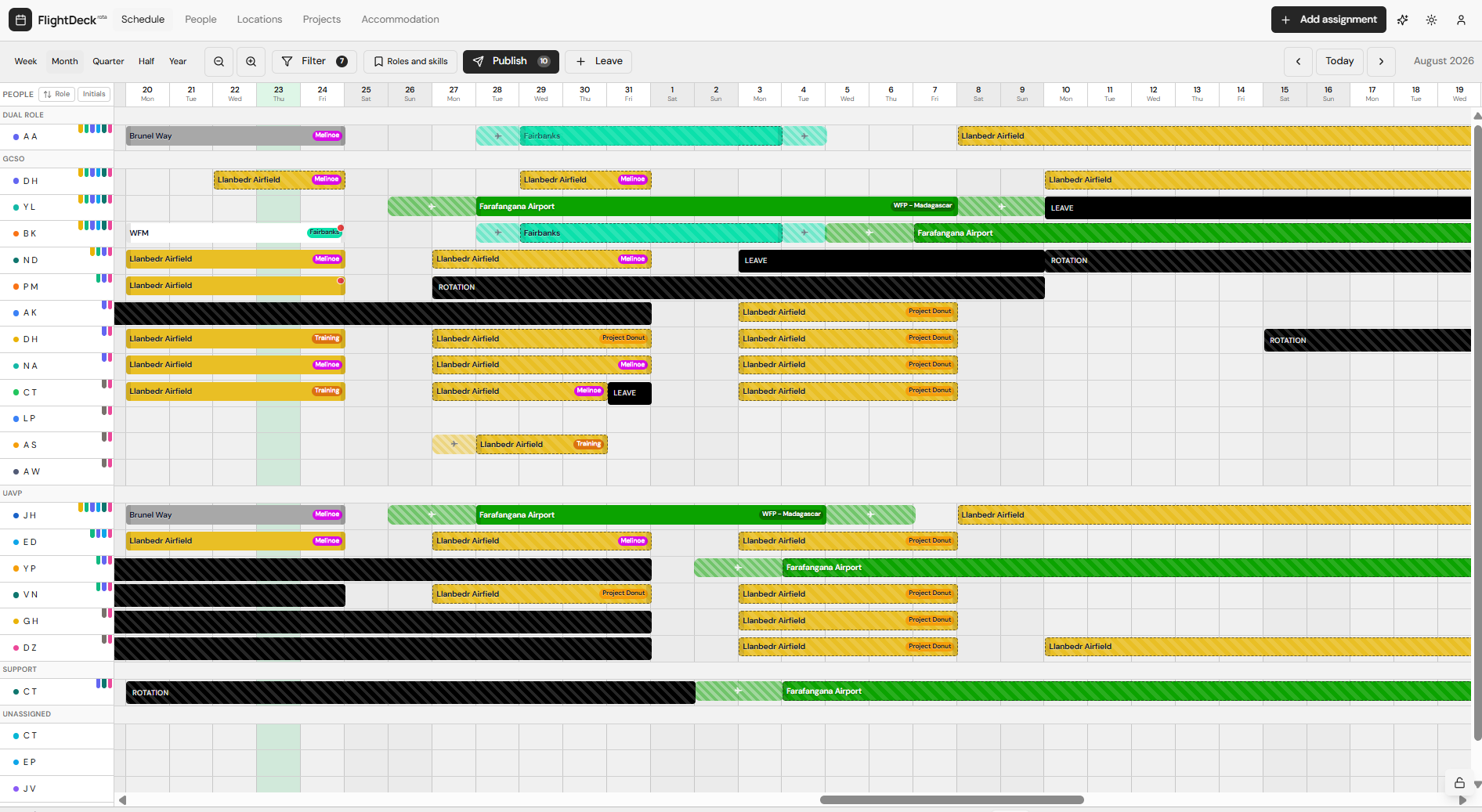
FlightDeck Rota is the scheduling and assignment app used by your team to plan who is where, when, and on what project.
Who this guide is for
- Viewers — you see your own schedule and get notified about your assignments.
- Managers — you plan the team, create and publish assignments, and handle leave.
- Admins — everything managers can do, plus creating user accounts and managing roles.
How to get set up
- Get an account — accounts are created by an admin. Ask your admin to add you.
- Install the app on your phone or desktop.
- Enable push notifications so you're notified the moment your schedule changes.
- Open the schedule and get familiar with the layout.
Use the sidebar to jump to any step, or start with Getting an account.